To Change you must login to your client area .
Step 1. Here you can login Login to Client Area
Dashboard -> service -> select service -> change password
Here is step by step with screenshot.
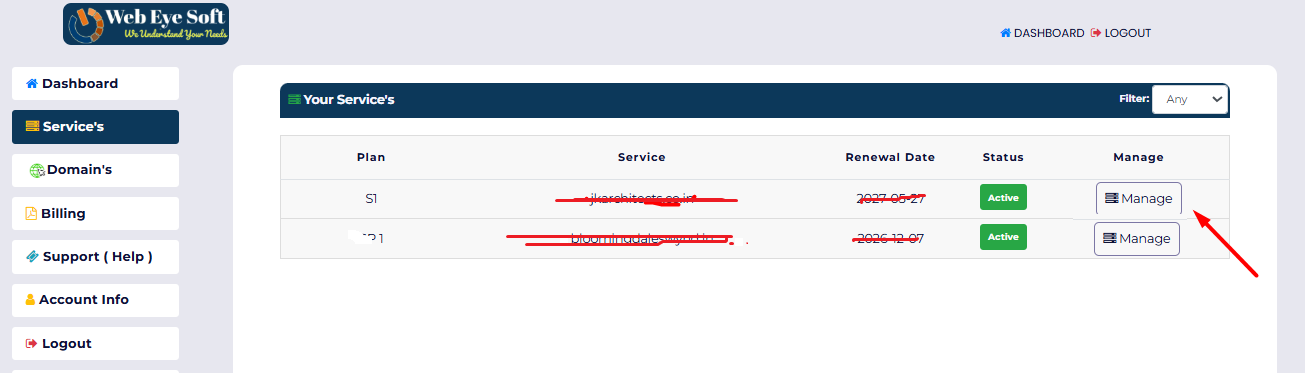
Step 2. Go To Dashboard and click on Active Services

Step 3. Now click on Manage button for the service which you want to change password
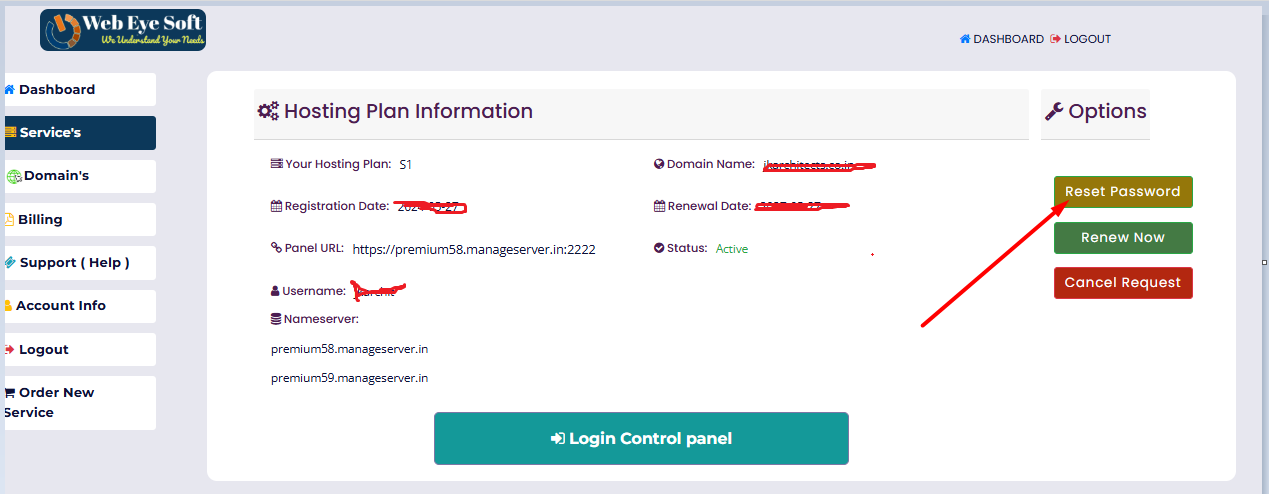
Step 4. Now click on reset password button to change a new password .